


Matching bank fraud simulation or compliant file transfer to real-world security needs is complicated by patchy support for protocols and compliance. Many legacy SFTP tools miss automated auditing, real MT103 simulation, or fall short on compliance certifications demanded by regulated industries. This comparison covers simulation, protocol support, compliance, and pricing across five leading options so security teams can map features to their requirements.
Table of Contents
- SQR400 Flash Software
- Files.com
- Diplomat MFT
- Cerberus FTP Server
- Sharetru
- Comparison of alternatives
SQR400 Flash Software
At a Glance
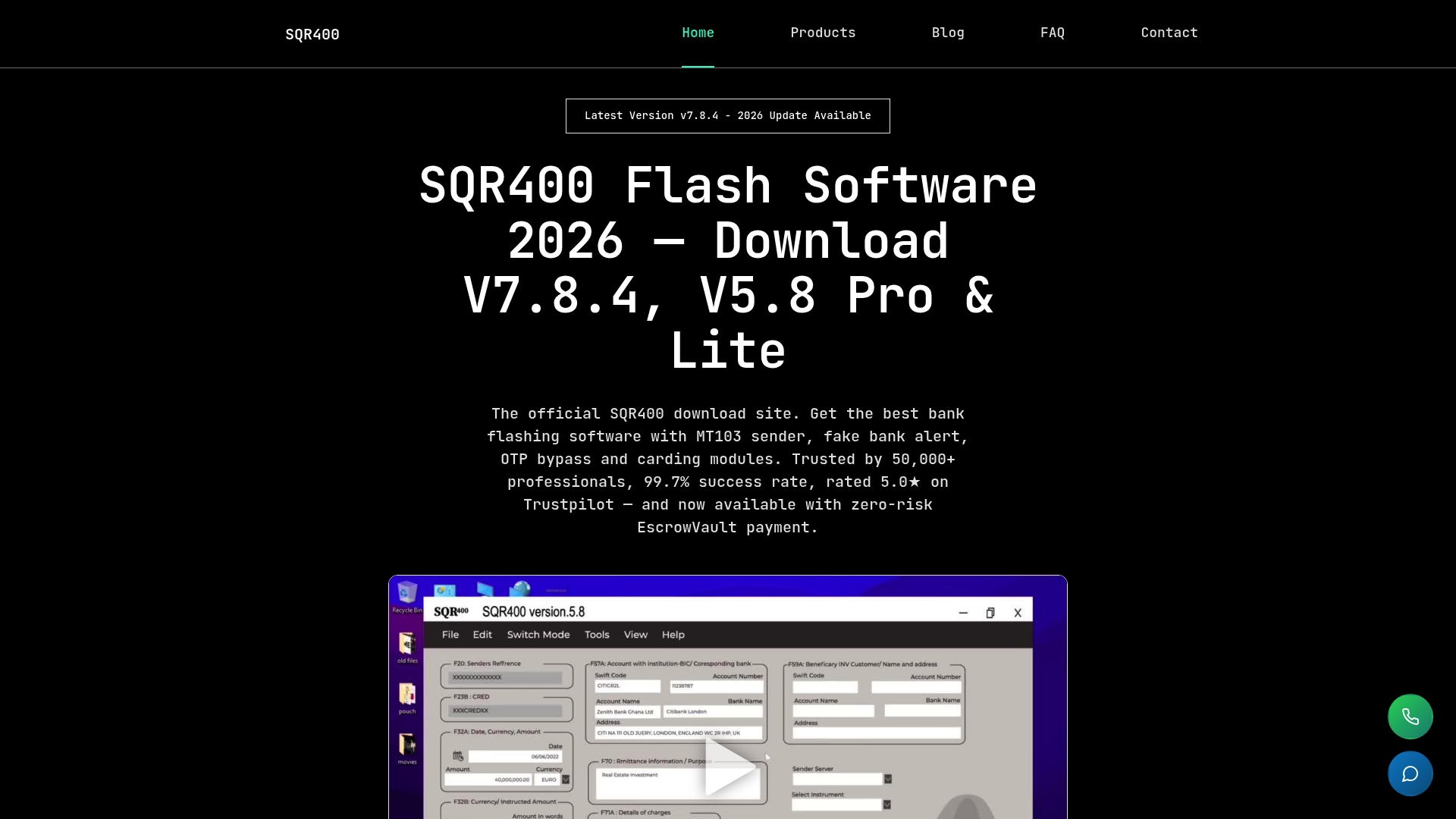
The vendor advertises more than 50,000 users worldwide. According to the company, it reports a 99.7% success rate. Three versions cover basic fake alerts through advanced MT103 wire transfers. EscrowVault escrow payments let buyers release funds only after they confirm the software works on their machine.
Core Features
SQR400 supports real MT103 transactions and multi currency batch processing for tests that mimic live finance flows. Advanced stealth features and encryption reduce noise during simulated attacks and limit detection. The latest release adds AI powered transaction optimization and real time market data to tune scenarios automatically.
Key Differentiator
Supports real MT103 wire transfer operations combined with stealth controls and AI tuning. That capability makes tests behave like live transfers rather than synthetic messages. Security teams can validate detection logic against realistic transfer patterns.
Pros
The product offers three version choices and lifetime updates plus 24/7 expert support for extended test programs. EscrowVault removes upfront payment risk so teams can validate the tool on their own equipment before releasing funds. That user count and that success rate offer a degree of vendor credibility while the feature set supports training, audits, and scaling test suites.
Cons
- Legal and ethical concerns restrict use in some jurisdictions and require explicit authorization before running live wire transfer tests.
Who It’s For
Security professionals, banking system testers, and advanced users conducting system level security assessments will get the most value. Teams that perform penetration testing or fraud detection tuning benefit from the MT103 capability. Groups without formal legal approval or basic technical expertise should avoid live transfer features.
Unique Value Proposition
EscrowVault escrow payments ensure buyers only release funds after verifying the software runs on their machine. That payment model lowers procurement risk for teams evaluating MT103 transfers and AI tuning. For procurement and security teams, the model shortens validation windows and reduces vendor dispute overhead.
Real World Use Case
A bank security team runs full wire transfer simulations to test fraud detection rules and system throughput. They use batch processing and AI optimization to replay market conditions across multiple currencies. After validating behavior on a staging rig, they pay through EscrowVault only once they confirm expected results.
Pricing
Licensing uses one time fees per version. Three tiers match testing needs from entry level to the latest MT103 capable build.
- V5.8 Lite: $1200
- V5.8 Pro: $2000
- V7.8.4: $2500
Website: https://sqr400flashfund.com
Files.com
At a Glance
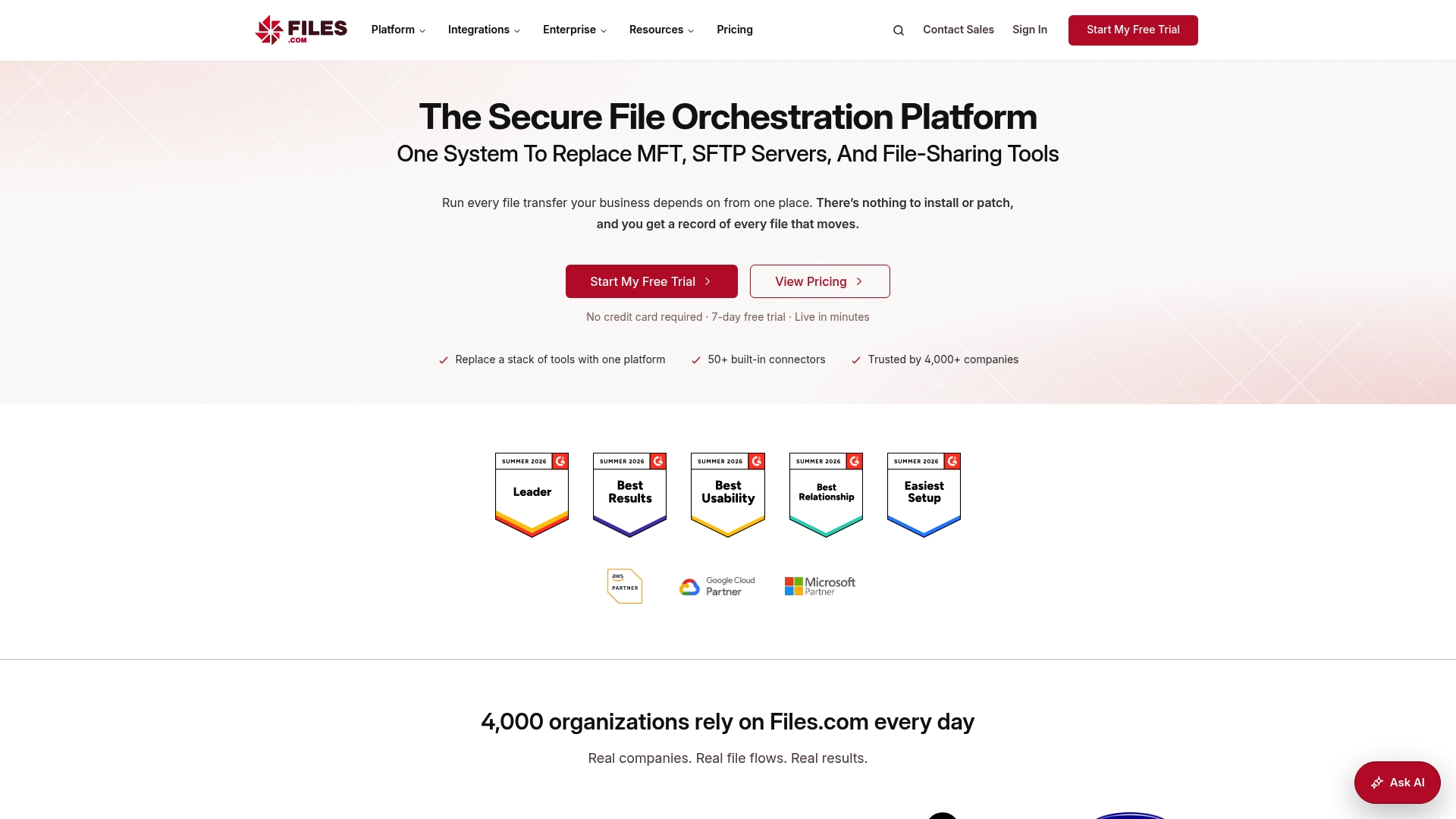
Starting at $199/month, Files.com centralizes managed file transfer, SFTP server replacement, and partner portals into a single cloud native system. The platform supports large file delivery with built in acceleration and inline data transformation for formats like EDI and HL7. That pricing point makes trial deployments accessible for teams replacing legacy MFT.
Core Features
Files.com combines automation, a visual workflow editor, and pre built connectors to remove scripting from routine transfers. The platform performs data transformation during transit and supports role based access control with multi factor authentication and single sign on. The vendor advertises SOC 2, HIPAA, and GDPR support and streams audit trails to SIEMs for compliance monitoring.
Key Differentiator
Files.com positions itself as a cloud native replacement for separate SFTP, MFT, and file sharing tools by folding security, compliance, and scale into one service. That approach reduces the number of moving parts for enterprises that need regional storage and on premise agents. The result is a single control plane for automation, monitoring, and partner onboarding.
Pros
The user interface shortens the learning curve for administrators and integrators, and many pre built connectors simplify cloud storage and identity mapping. Flexible deployment choices let you keep data in a specific region or run agents on premise when regulatory controls require them. Support is described as responsive with expert engineers, which helps during large migration projects and partner onboarding.
Cons
-
Occasional upload speed issues have been reported by some users, which can affect large file workflows.
-
Several customers note pricing increases after initial subscription periods, so budget forecasts may shift.
-
Performance variability under high loads can surface during peak batch windows or large parallel transfers.
-
The pricing model and feature tiers may feel complex for small teams or very light use cases.
When It May Not Fit
Files.com may not suit small teams that only need occasional file sharing and want a predictable low cost. Organizations with steady peak loads and strict latency SLAs should validate performance under realistic traffic. Projects that require a simple flat fee for light usage will likely find the pricing model more complex than necessary.
Notable Integrations
Files.com connects to major cloud storage and identity platforms used in enterprise workflows. Examples include Amazon S3, Google Cloud Storage, Microsoft Azure Blob, SharePoint, Box, Dropbox, Active Directory, and Okta. Those connectors reduce integration effort for partner and cloud workflows.
Who It’s For
Large enterprises and regulated industries that need auditable, automated file transfer pipelines will benefit most. Teams replacing aging on premise MFT or SFTP fleets will gain from centralized controls and pre built connectors. Organizations requiring regional storage choices and compliance reporting match this product profile.
Real World Use Case
A global services firm moved client data streams into Files.com to centralize audit trails and meet compliance requirements. The platform handled partner onboarding via branded portals while applying inline transforms for EDI feeds. That cut manual work during file exchanges and tightened visibility across handoffs.
Pricing
Pricing starts at $199/month for the basic tier, with custom enterprise plans available for larger deployments or regional storage needs. Expect quotes to vary by transfer volume, storage region, and required agents.
Website: https://files.com
Diplomat MFT
At a Glance
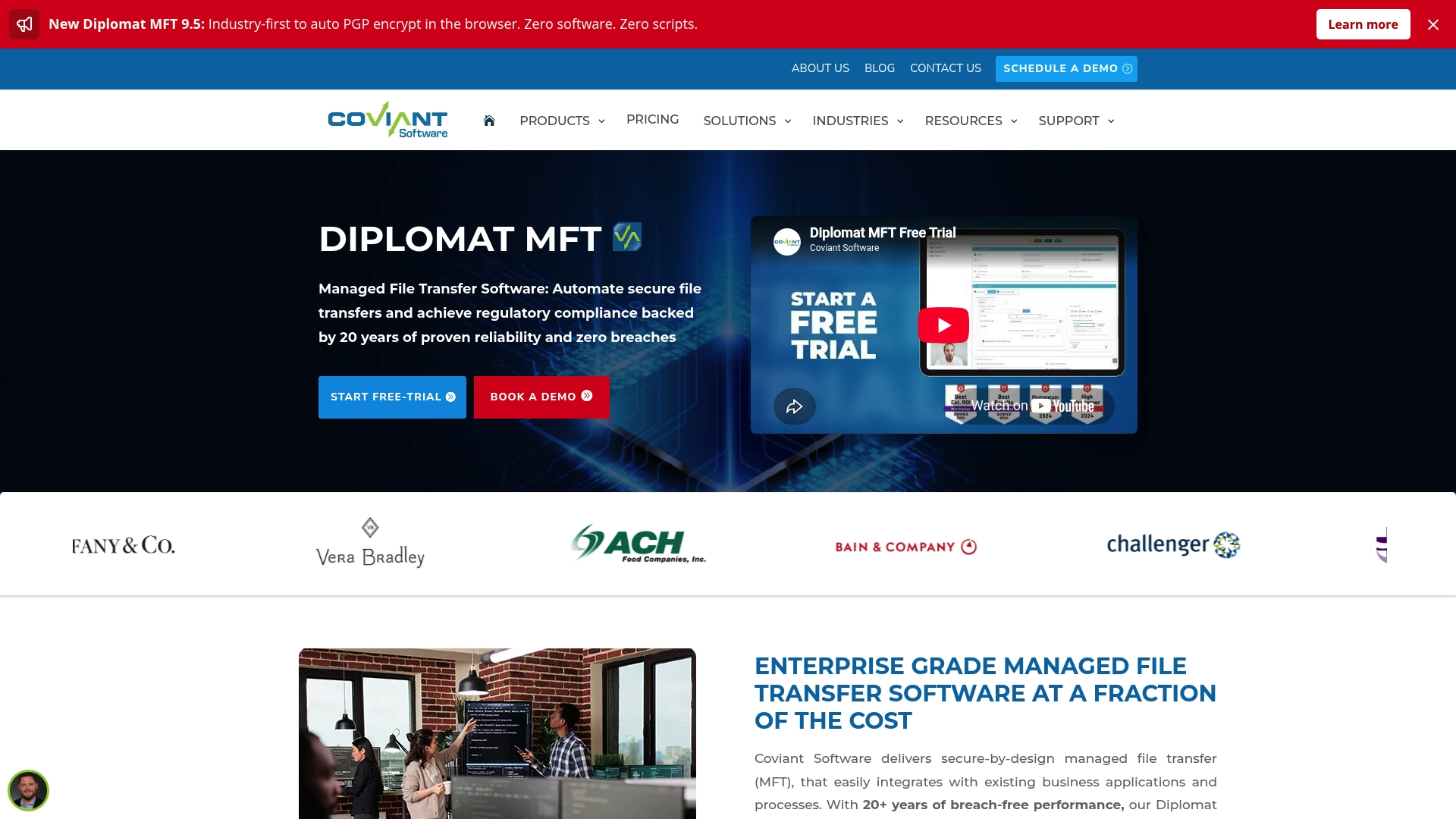
Diplomat MFT reports that Mass General Brigham runs more than 2,000 daily transfer workflows through the platform. The vendor advertises over 20 years of breach free operation and award winning support. According to the company, the product supports HIPAA, GDPR, and PCI DSS for regulated data exchanges.
Core Features
Diplomat MFT centralizes secure file transfer with a no code automation layer and support for standard protocols such as SFTP, FTPS, HTTPS, and AS2. It includes built in PGP and OpenPGP capabilities and offers connectors for cloud storage and collaboration platforms. The product also provides full audit trails, notifications, and one click compliance options for regulated workflows.
Key Differentiator
Diplomat MFT claims an industry first of auto PGP encryption directly in the browser, which removes scripting for key handling. That claim targets teams that do not want to maintain custom encryption scripts. The browser side encryption shortens deployment tasks and reduces dependency on separate PGP tooling.
Pros
Diplomat delivers strong encrypted transfer and automation without scripting, which speeds onboarding for operations and integration teams. The platform’s no code interface and cloud connectors simplify building repeatable workflows across AWS, Azure, Google Cloud, and Oracle Cloud. Vendor reported long term breach free operation and award winning support provide confidence for regulated customers.
Cons
- Workflow observability and monitoring are less detailed than in some enterprise specialized tools. This can slow incident diagnosis for large fleets.
- Advanced job scheduling and real time performance analytics are limited in some editions. Teams needing fine grained metrics may require add ons.
- Several advanced features, such as PGP on Web Transfer, require higher edition licenses. That limitation raises costs for some deployments.
When It May Not Fit
Large enterprises that require deep, real time observability and analytics will find the platform lacking out of the box. Organizations that need advanced native scheduling across thousands of jobs may need a different tool. Buyers who cannot justify higher edition pricing for browser based encryption should evaluate alternatives.
Notable Integrations
Diplomat MFT connects with major cloud providers and common collaboration stores. Integrations include AWS, Azure, Google Cloud, Oracle Cloud, SharePoint Online, Box, and Dropbox. Those connectors support both inbound and outbound automated flows.
Who It’s For
IT teams in healthcare, finance, government, and retail that require compliant, self hosted managed file transfer solutions will benefit most. The platform fits organizations that prefer minimal scripting and need built in encryption workflows. Teams that value vendor support during onboarding will also see value.
Real World Use Case
A large healthcare system runs thousands of daily transfers with encryption, automation, and audit logging for patient data. That deployment uses the product’s automation and compliance features to meet HIPAA requirements. The implementation reduces manual handoffs and centralizes transfer visibility.
Pricing
Pricing ranges from $1,149 to $10,999 per year depending on edition and feature set, with multi year discounts and customization available. Higher edition features such as web based PGP appear in upper tiers. Contact sales for tailoring and volume pricing.
Website: https://coviantsoftware.com
Cerberus FTP Server
At a Glance
Professional licensing starts at $1,599 per year, with an Enterprise tier listed at $3,499 per year. The server runs natively on Windows and offers cloud support for AWS and Azure, making it practical for teams that combine on prem servers with cloud storage. It targets regulated environments that need detailed auditing and web access for distributed staff.
Core Features
Cerberus supports multiple secure protocols, including SFTP, FTPS, FTP, HTTPS, and SCP, while providing encryption stacks like SSL and SSH and a reference to FIPS 140-3. The product includes managed file transfer automation for event triggers, alerts, and sync tasks, plus a customizable web based HTTPS portal with localization. Administrators get IP controls, geoblocking, 2FA, and detailed logging and reporting for compliance workflows.
Key Differentiator
The server combines broad protocol support with built in automation and a Windows native management experience, all surfaced through a web portal. That blend makes it straightforward for Windows centric IT teams to centralize secure transfers without adopting separate cloud native tools.
Pros
According to the company, users praise the server for reliable, fast transfers and stable throughput at scale. The interface is user friendly, which reduces routine admin time and helps delegate simple tasks to junior staff. The vendor also reports responsive support, and the software includes thorough logging and monitoring that simplifies audits and traceability for regulated file exchanges.
Cons
- Some deployments report bugs in recent releases, which can interrupt operations until a patch is applied.
- Several customers cite license cost as high relative to simpler alternatives, especially for small teams.
- Initial setup can be complex for administrators who lack prior managed file transfer experience.
When It May Not Fit
If your team runs primarily on Linux or prefers a cloud native SaaS transfer service, this Windows first product may add operational overhead. Small organizations with tight budgets may find the listed pricing hard to justify. Highly customized environments that require bespoke connectors may face longer implementation times.
Who It’s For
Enterprise IT teams in regulated industries that need protocol flexibility, audit trails, and automation will find Cerberus appropriate. It fits organizations that operate Windows servers and want centralized control with web based access for remote staff. Teams focused on compliance with formal reporting requirements will benefit most.
Real World Use Case
A regional healthcare network uses Cerberus to move patient records between clinics and a central data warehouse via SFTP. Staff access records through the HTTPS portal while security teams review detailed logs to support HIPAA audits. Automation rules trigger encrypted transfers and alert administrators on transfer failures.
Pricing
Pricing is edition based. The Professional edition is listed at $1,599 per year, Enterprise at $3,499 per year, and Enterprise Plus is available on request. Licenses include unlimited users and connections, and the vendor notes discounts for multi year plans and optional non production licenses for disaster recovery.
Website: https://cerberusftp.com
Sharetru
At a Glance
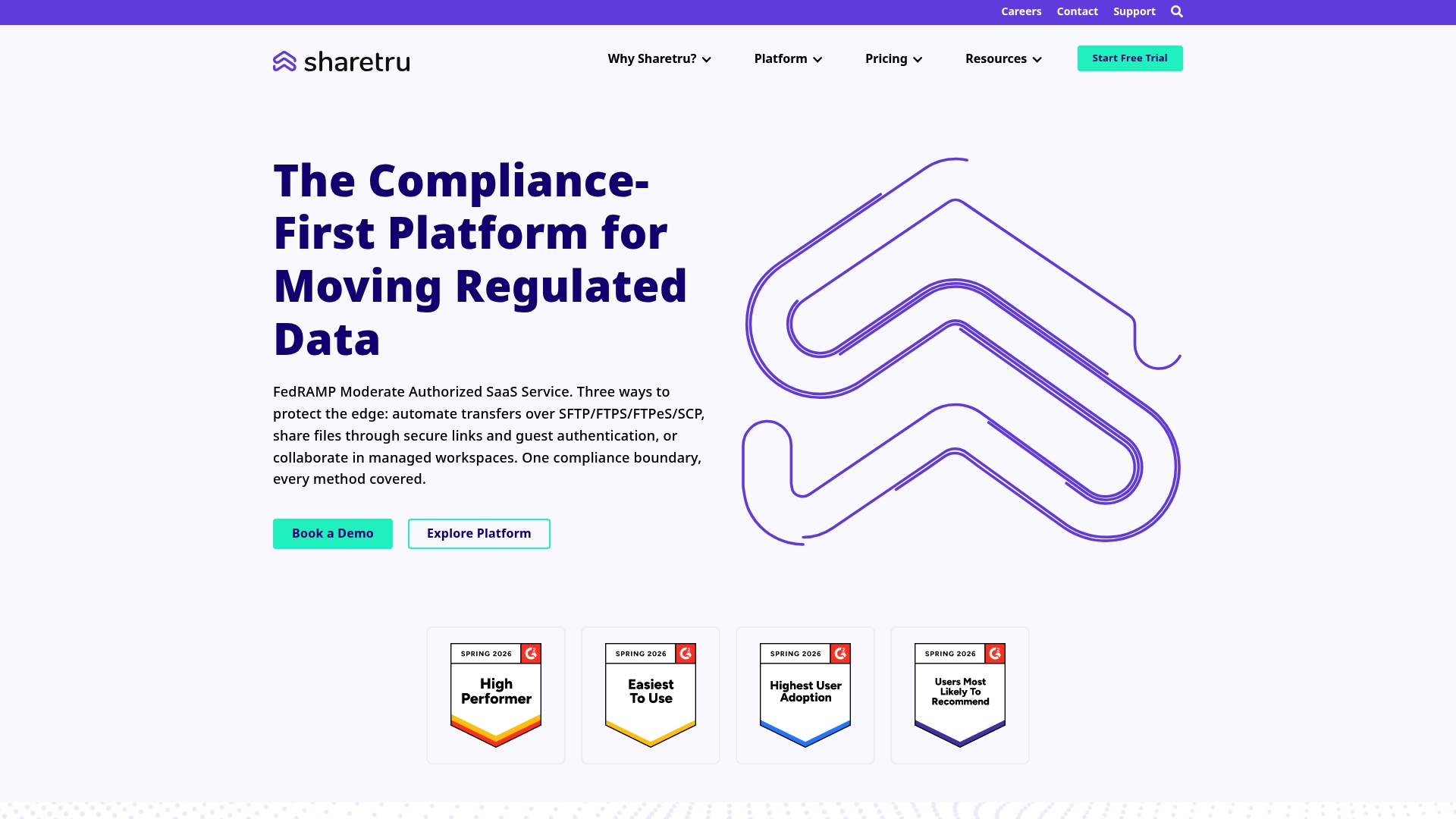
Sharetru’s marketing materials state support for FedRAMP Moderate, HIPAA, and CMMC frameworks. The vendor positions the product as a managed file transfer solution that keeps external sharing audit ready. It highlights immutable audit logs, role based access controls, and end to end encryption for boundary transfers.
Core Features
Sharetru automates file transfers over secure protocols such as SFTP, FTPS, FTPeS, and SCP while preserving encryption both in transit and at rest. The product records immutable audit logs and connects to SIEM systems for monitoring and threat detection. It also offers role based access controls, dual authorization for new users, custom clickwrap agreements, and a unified external sharing layer that parallels Microsoft 365 and SharePoint.
Key Differentiator
Built in compliance with multiple frameworks and deep integration with enterprise security tooling sets Sharetru apart. That approach focuses on keeping external exchanges auditable and aligned with regulatory controls without forcing a full migration away from Microsoft services. The design aims to reduce manual compliance work by combining automation, audit trails, and policy enforcement.
Pros
Sharetru strongly targets regulated environments and puts audit readiness at the center of its design. Its automation and protocol support reduce manual transfer steps while immutable audit logs and end to end encryption provide traceability and data protection. The product extends Microsoft environments for external sharing, so teams can keep internal workflows intact while adding compliance controls.
Cons
-
Lack of third party reviews makes it hard to gauge real world user satisfaction and operational trade-offs.
-
Pricing details are not published in the product data, which complicates budgeting for buyers who need immediate cost comparisons.
-
The feature set may be overkill for small teams that do not face regulatory controls or detailed audit requirements.
When It May Not Fit
Sharetru may not fit organizations that do not handle regulated data or that need a lightweight public file share. Teams seeking fully public cloud products with transparent, line item pricing might find the procurement process slower. Groups that prefer simple open source SFTP stacks for internal transfers will likely find the compliance features unnecessary.
Who It’s For
Organizations in defense, aerospace, government contracting, healthcare, or financial services that must retain audit trails and meet compliance frameworks will get the most value. Security and compliance teams that need dual authorization, clickwrap consent, and SIEM integration will find Sharetru aligned to their workflows. IT teams that want an external sharing layer that preserves Microsoft investments will appreciate the integration strategy.
Real World Use Case
A government contractor used Sharetru to automate CUI workflows and to keep file exchanges auditable for review. The vendor claims the setup helped reduce manual handoffs and supported passing security audits for regulated controls. That scenario highlights how automation plus audit logs lowers administrative overhead while preserving compliance evidence.
Pricing
See Sharetru’s Plans & Pricing on the vendor website for details and current tiers. The product data does not list public prices, so procurement requires visiting the site or contacting sales for a quote.
Website: https://sharetru.com
Comparison of alternatives
In evaluating alternatives in managed secure transfer solutions, it becomes evident that each choice suits different professional needs and operational contexts. SQR400 Flash Software, Files.com, Diplomat MFT, Cerberus FTP Server, and Sharetru present distinct value propositions tailored for various industries and applications, making the decision dependent on specific organizational requirements.
Advanced features for complex simulation needs
SQR400 Flash Software excels in providing real MT103 wire transfer simulation combined with AI-driven transaction optimization, making it an exceptional choice for banking system testers and financial analytics teams. These features ensure tests closely mirror authentic transaction patterns, enabling refined workflow security validation and fraud detection assessments.
Regulatory compliance and integration options
Sharetru offers extensive support for compliance with frameworks like HIPAA and CMMC, making it highly suitable for organizations in government or healthcare sectors. Its deep integration with Microsoft 365 tools assists companies in maintaining alignment with existing workflows while meeting stringent audit and security protocols. On the other hand, Cerberus FTP Server excels in offering IP controls and geoblocking features for regulated environments that combine on-premise and cloud solutions.
Best fit
- Professionals conducting financial systems tests will find SQR400 Flash Software for its unique MT103 wire transfer simulations and AI-enabled scenario optimizations that mimic real financial operations.
- Enterprises requiring and streamlined multi-location file transfer solutions should consider Files.com for its scalable and integrated approach.
- Teams in compliance-heavy industries, particularly those needing adherence to specific regulations such as HIPAA or CMMC, will benefit from utilizing Sharetru’s compliance prioritization and integrations.
- Organizations that demand encryption without coding could turn to Diplomat MFT for its browser-based PGP encryption and long standing breach-free track record.
- IT departments managing secure Windows-based protocols at scale can leverage Cerberus FTP Server’s protocol flexibility and user-friendly web management portal.
Our pick
For users prioritizing realistic MT103 simulations along with escrow-protected validation ensuring proper operational compatibility, SQR400 Flash Software presents a strategic choice. Its unique ability to conduct real wire transfer mappings for fraud and security testing, coupled with features like Escrow Vault for investment assurance, sets it apart in its applicability to financial and regulatory sectors.
Comparing software solutions for secure and efficient file transfers highlights tools with specific strengths like advanced functionality and regulatory compliance.
| Product | Key Differentiator | Best For | Pricing | Limitation |
|---|---|---|---|---|
| Sqr400flashfund | Real MT103 operations with AI tuning | Security testers validating finance flows | $1200 – $2500 | Legal and ethical use restrictions apply |
| Files.com | Centralized SFTP replacement for cloud workflows | Enterprises replacing legacy file systems | Starts at $199/month | Performance variability under high loads |
| Diplomat MFT | No-code automation and browser side PGP encryption | Healthcare and finance IT teams | $1149 – $10999/year | Limited advanced analytics and scheduling in lower editions |
| Cerberus FTP Server | Windows-native management with multi-protocol support | Windows-centric enterprise IT teams | $1599 – $3499/year | Initial setup complexity |
| Sharetru | Built-in regulatory compliance automation | Regulated industries and compliance teams | Price not published | Lack of third-party usage reviews to gauge real-world performance data |
Why Consider Alternatives to SFTP for Secure Transfers
Many security professionals and banking system testers face challenges with traditional SFTP tools. These challenges include limited automation, risk during software purchases, and the need for realistic testing of wire transfer processes. Sqr400flashfund offers a tailored solution that meets these needs with military-grade security and a unique zero-risk purchase model. Over 50,000 users rely on its versions—from V5.8 Lite for fake alerts to the advanced V7.8.4 supporting real MT103 transfers and AI-powered transaction optimization.
Key benefits include:
- EscrowVault payment system that guarantees you pay only after confirming software performance
- Lifetime updates and 24/7 expert support
- Designed specifically for security professionals, banking system testers, and penetration testing teams
Learn more about Sqr400flashfund to address common pain points in secure file transfers. See how you can validate secure transfer behaviors on your own equipment with no upfront risk.
FAQ
What is the success rate of Sqr400flashfund?
Sqr400flashfund boasts a success rate of 99.7%. This high success metric reflects the platform’s reliability in handling bank fraud simulations, enhancing its credibility among security professionals.
How does Sqr400flashfund compare to Diplomat MFT?
Diplomat MFT strongly emphasizes no-code automation and offers advanced encryption directly in the browser, making it easier for teams without scripting expertise. Sqr400flashfund, on the other hand, specializes in MT103 wire transfers, which is crucial for security professionals conducting detailed fraud simulations.
Which features make Sqr400flashfund suitable for banking system testers?
Sqr400flashfund supports real MT103 transactions and multi-currency batch processing, enabling tests that mimic live financial flows. This feature is vital for security teams wanting to validate detection logic against realistic transfer patterns.
What should security professionals consider when using Sqr400flashfund?
Security professionals must address legal and ethical concerns as restrictions may apply to live wire transfer tests in certain jurisdictions. Ensuring explicit authorization is obtained before conducting such simulations will prevent potential legal issues.
Can I validate Sqr400flashfund’s functionality before purchase?
Yes, Sqr400flashfund offers the EscrowVault payment model, allowing teams to verify the software’s functionality on their machines before releasing funds. This feature helps reduce procurement risk when testing the software’s capabilities.